
Your program, your progress, and your trainer — all in one place. Built for my clients, so training keeps working whether you’re in the studio, at home, or on the road.
What’s inside
Your program, on your phone
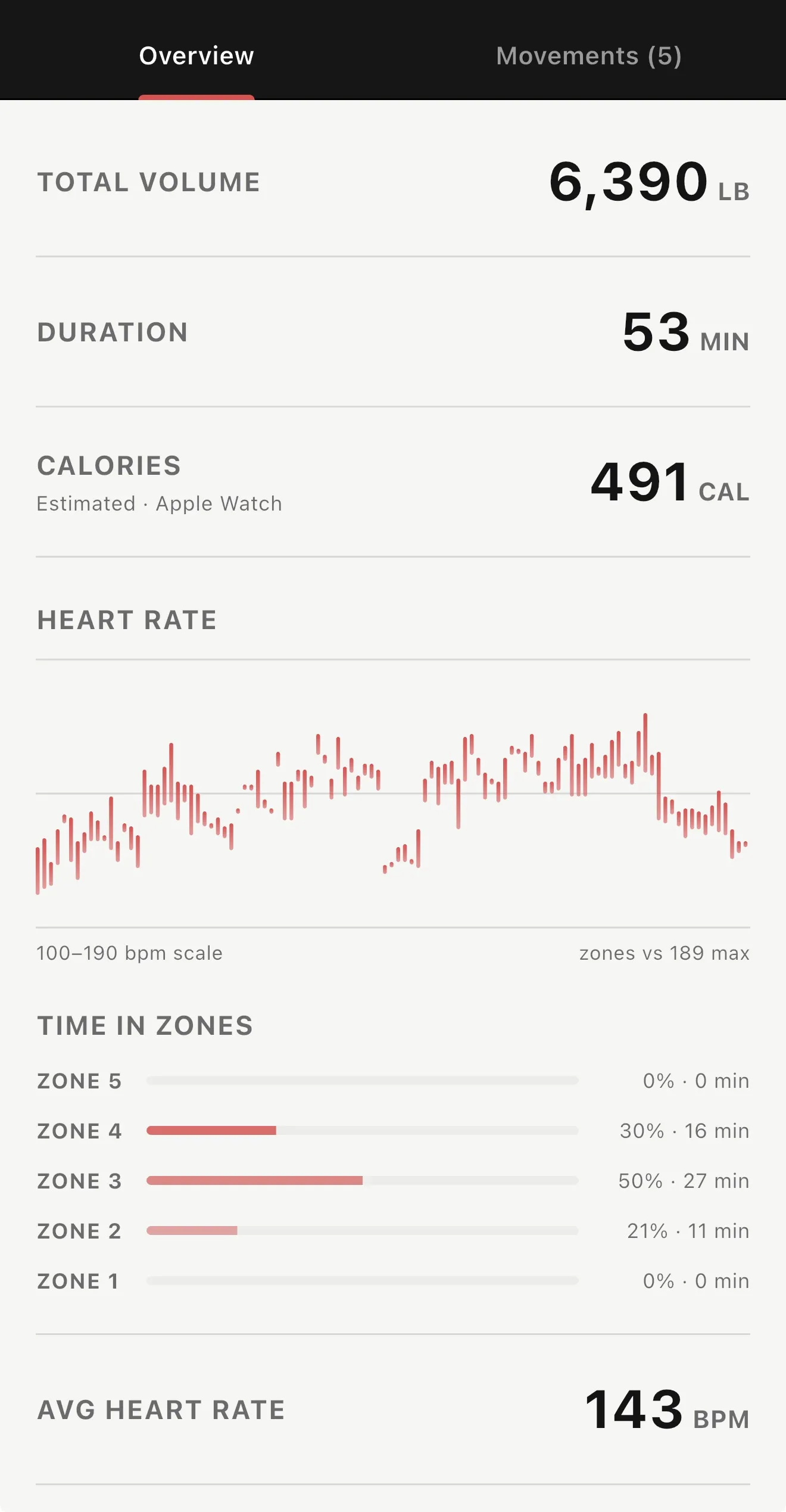
Every workout I write for you shows up scheduled by day, with the exercises, sets, reps and rest times. Log your weights as you go and I see them right away, so your next session is built on what you actually did.
A direct line to your coach
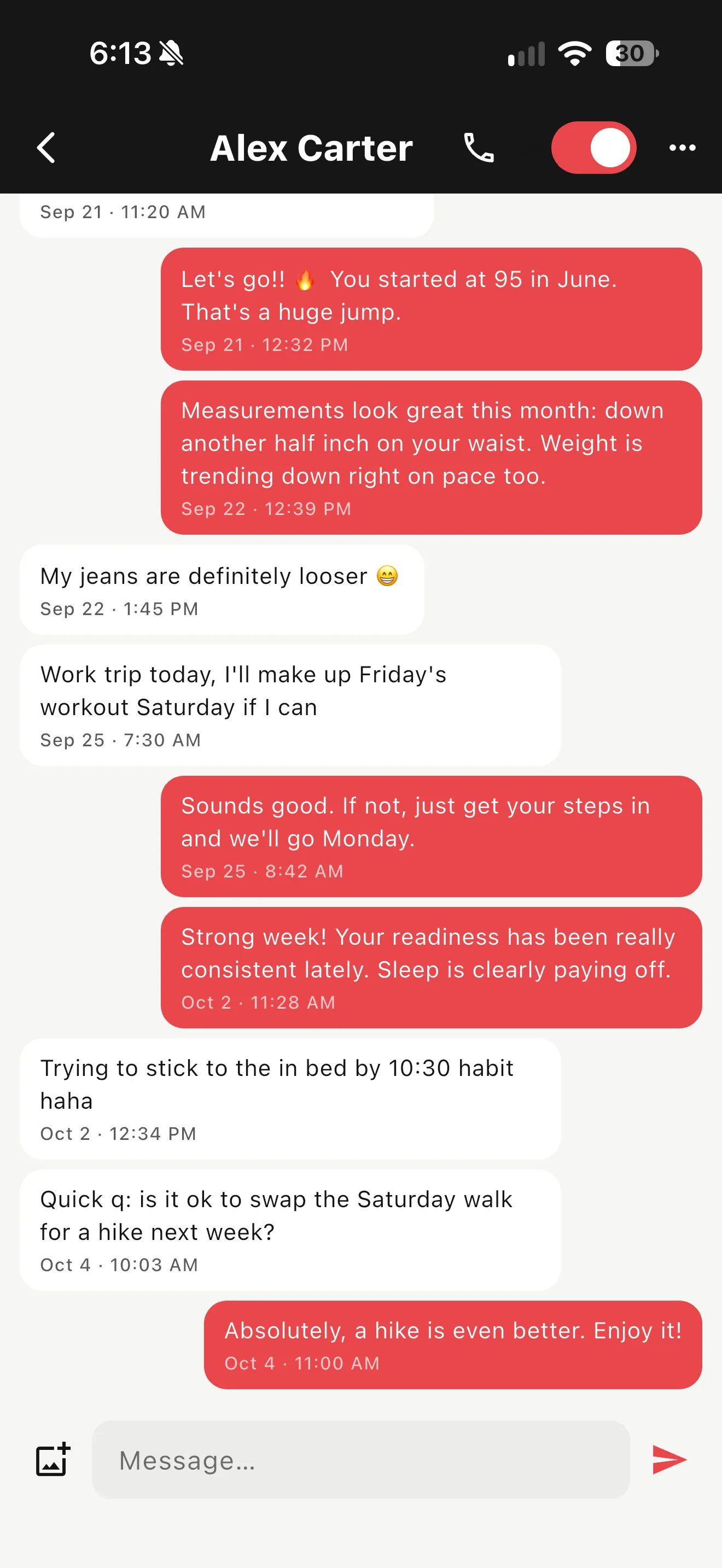
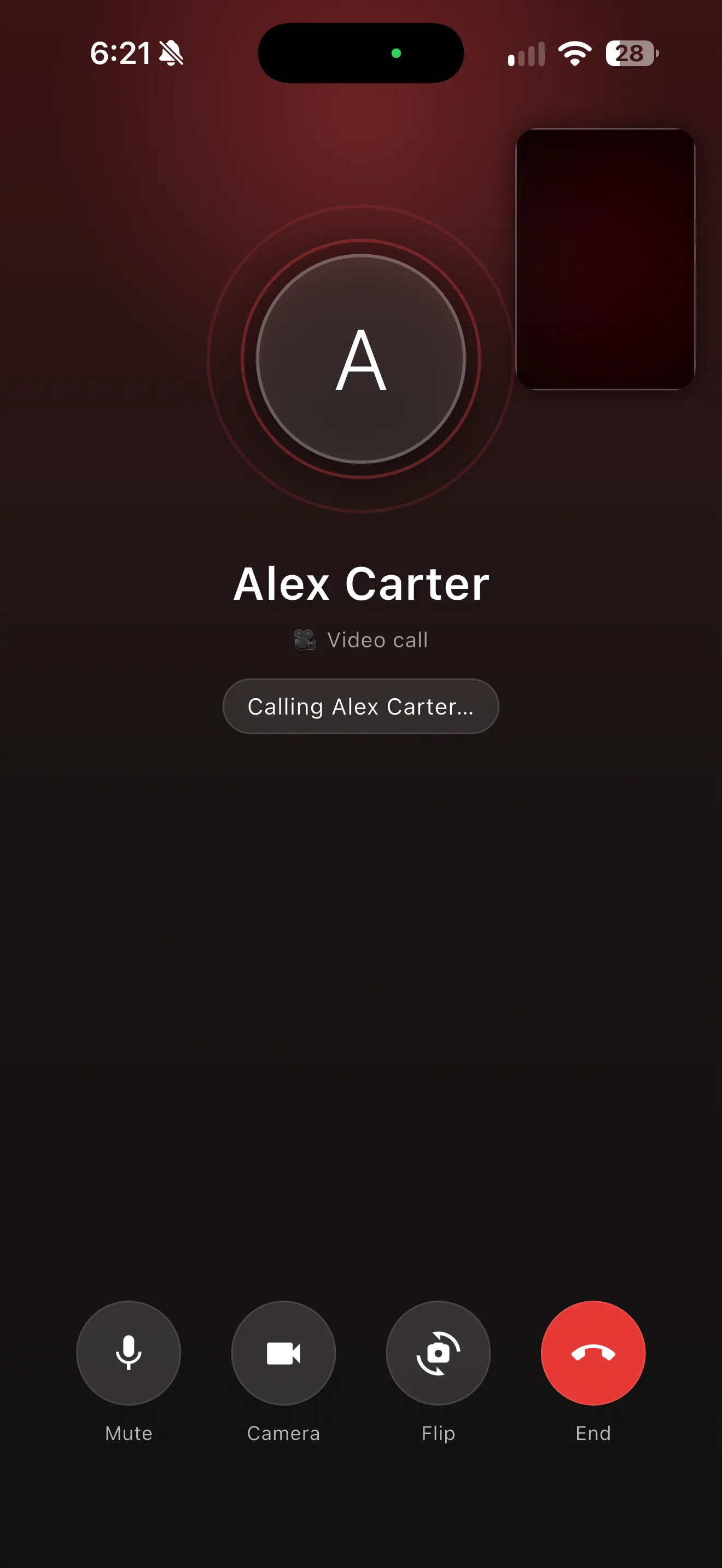
Message me inside the app any time. I reply within 24 hours on weekdays, generally between 8am and 7pm Eastern, and you can start a call or video call right from the conversation. It’s a real conversation with me, not a help desk. Remote coaching clients get a weekly check-in and a weekly progress summary in the app too. See how remote coaching works.
Works without a signal
Basement gym, hotel, bad Wi-Fi — no problem. Your workouts save on your phone and sync automatically when you’re back online.
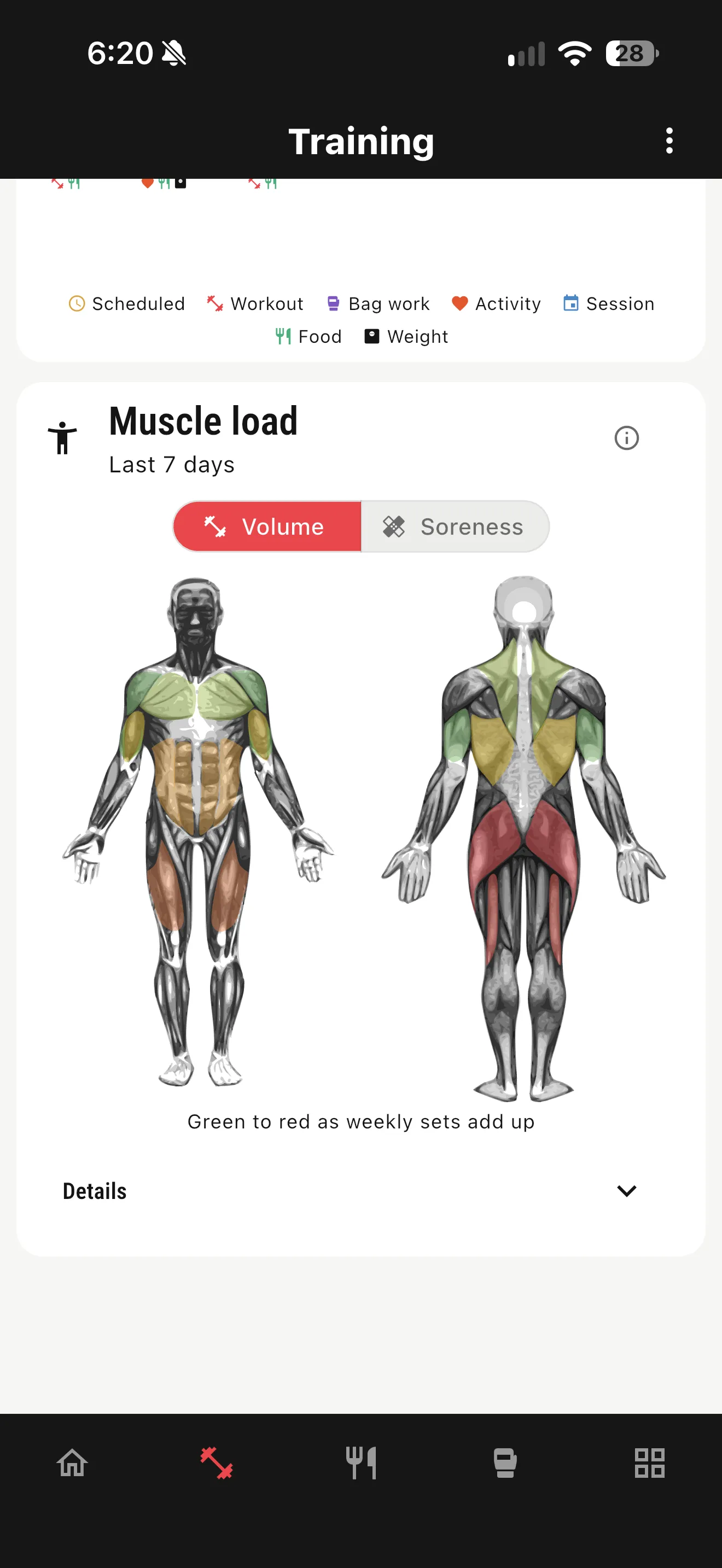
Readiness and recovery
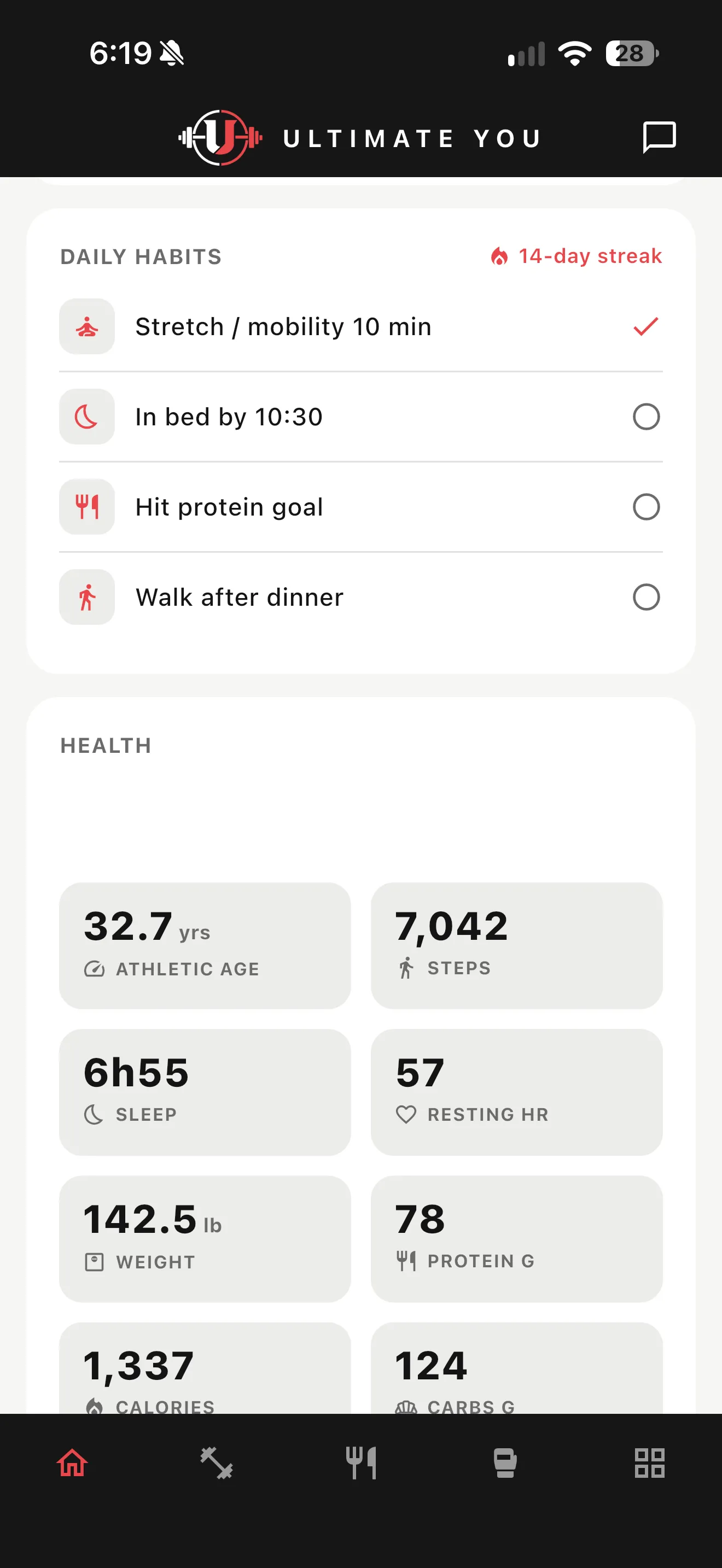
Sleep, heart-rate variability, resting heart rate and how you feel are combined into a daily readiness picture, so we know when to push and when to back off.
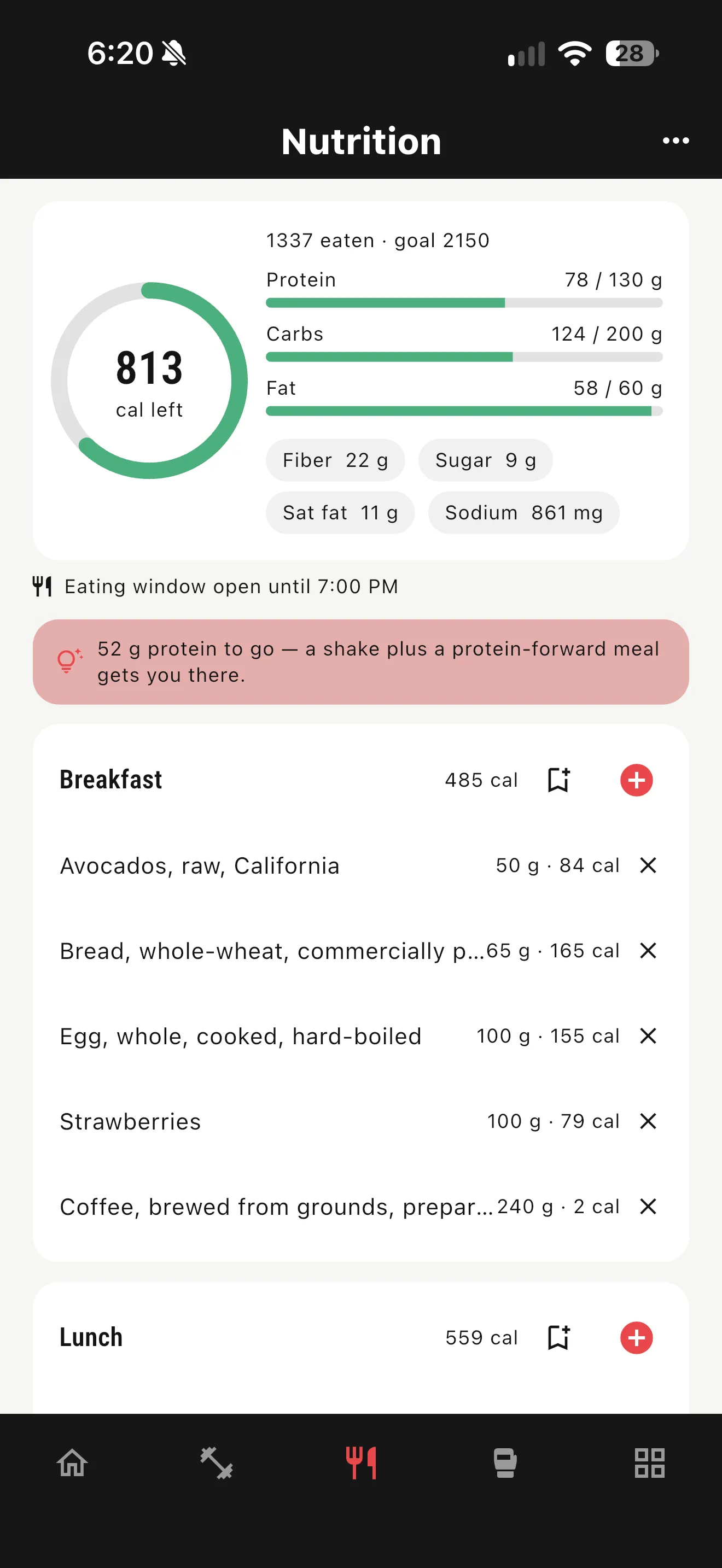
Nutrition and hydration
Track meals and water alongside your training so nutrition and workouts are part of the same conversation.
Apple Health, Apple Watch and Android Health Connect
Connect your health data and your watch so steps, sleep, heart rate and workouts flow in without extra typing.
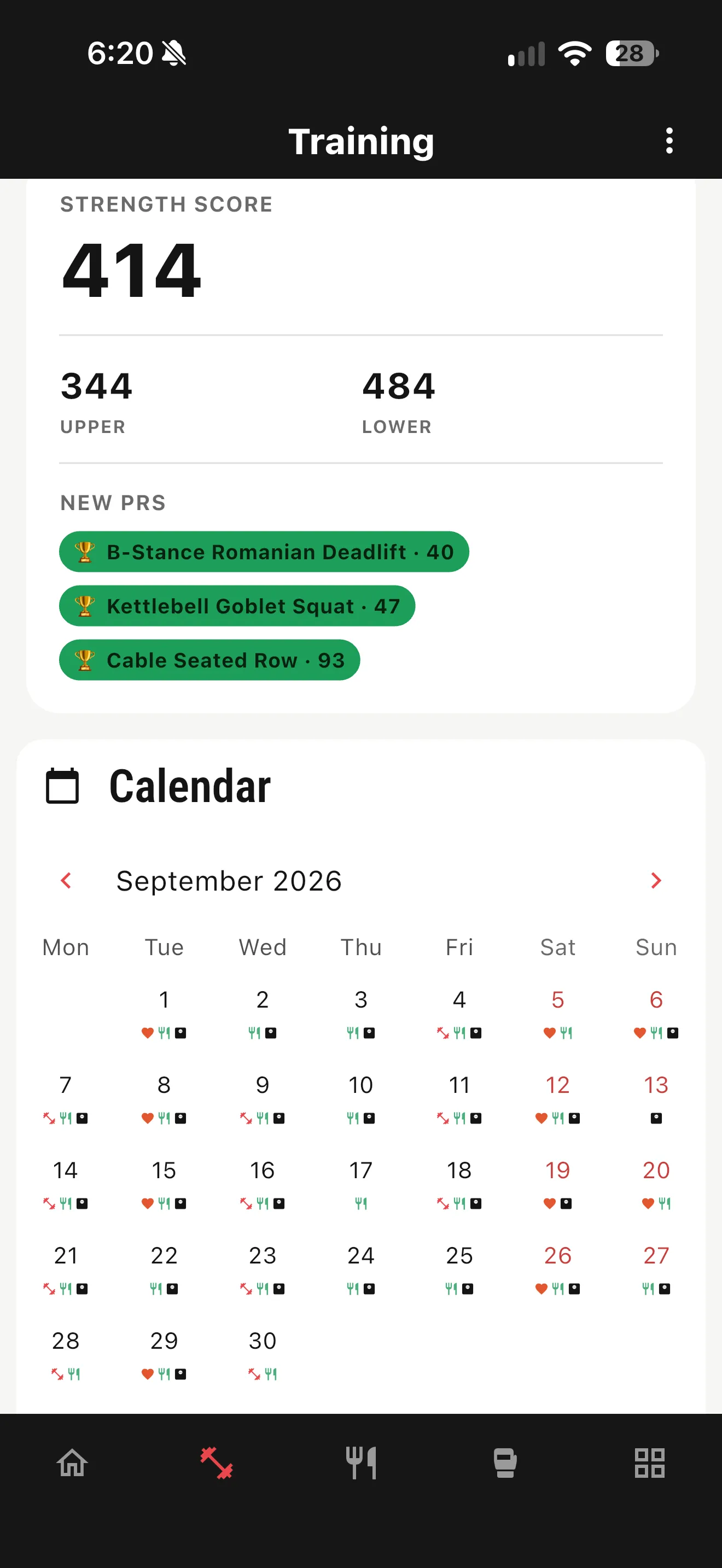
Strength progress you can see
Watch your lifts climb over time, with a strength score that accounts for your body weight, plus a monthly consistency board to keep things fun.
Appointments and scheduling
See your upcoming sessions, your session package, and your scheduled workouts on one calendar.
Who it’s for
The app comes with personal training and remote coaching with me. It isn’t in the public app stores — when you start training, I’ll set you up with access and walk you through it. The app is available in English, Spanish, Portuguese and Russian.
Already a client? Download the app
Android: download and install the latest version from the client download page. Android will ask you to allow installing apps from your browser the first time — that’s normal.
iPhone: the iOS app is delivered through Apple’s TestFlight. I’ll send you an invite by email when you start training — open it on your iPhone, install TestFlight, and the app installs from there.
Need help with the app? Call or text 765-571-1514.